
The gradio.lv app
gradio.lv, one tap away
Put gradio.lv on your home screen and it works just like an app: tap the icon and the music’s on. It’s free, and there’s no app store involved.
- Free
- No app store
- Nothing to update
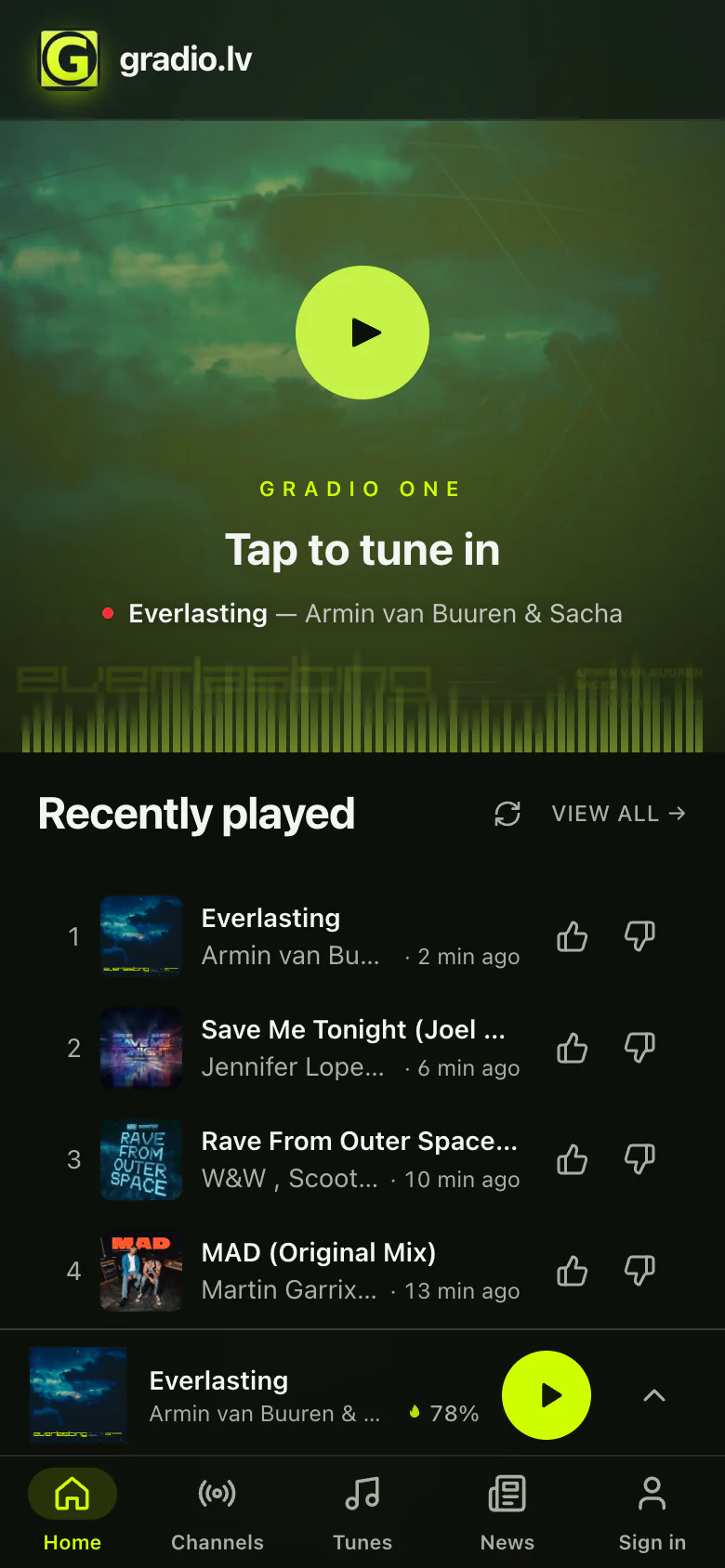
What is it, exactly?
It’s gradio.lv — the same stations, the same music, your same account — with its own icon on your phone, right next to your other apps. Tap it and gradio.lv opens full screen, without the browser around it.
PWA Under the hood, the gradio.lv app is a Progressive Web App — the web standard that lets a website install like an app, straight from the browser.
Why you’ll like it
One tap to the music
gradio.lv sits on your home screen, right next to your other apps. Tap it and you’re listening.
Full screen
No address bar, no tabs. Just gradio.lv, like any other app on your phone.
Never lost among tabs
gradio.lv gets its own place in your app switcher, so getting back to the music is one swipe away.
Hear when your track is on
Like a track and gradio.lv can tell you when it’s on air — only if you want it. On an iPhone, this needs the app.
Always up to date
Nothing to update, ever. You always get the newest gradio.lv, all by itself.
Free and light
No app store, no payment, and it takes up almost no space on your phone.
How to get it
It takes about ten seconds. Pick your device:
- 1Open gradio.lv in SafariOn iOS 16.4 or newer, Chrome and Edge work too.
- 2Tap ShareThe square with an arrow. Don’t see it? Tap ••• first.
- 3Choose Add to Home ScreenScroll down the list if you need to.
- 4Tap Addgradio.lv lands on your Home Screen.

Exactly the same on an iPad.
Questions
Is it a real app?
Yes. It opens from your home screen in its own window, just like the apps you download. It comes straight from gradio.lv, so it doesn’t need the App Store or Google Play.
Does it cost anything?
No. It’s free, just like gradio.lv.
Do I need an account?
No. Sign in only if you want to like tracks or get a notification when they’re on air.
Will it send me lots of notifications?
No. gradio.lv only sends notifications you turn on — at most one every 30 minutes — and you can switch them off any time in your profile settings.
Does it use more data or battery?
No. The music streams exactly like it does on the website.
How do I remove it?
Like any other app: press and hold the gradio.lv icon and choose Remove App (iPhone) or Uninstall (Android). On a computer, open gradio.lv, then its menu, and choose Uninstall.
I can’t find the Install button.
Make sure gradio.lv is open in your phone’s own browser — Safari on an iPhone, Chrome on Android. Browsers inside other apps, like Instagram or Facebook, can’t add apps. And if gradio.lv is already installed, look for its icon on your home screen.